
Spotify Playlist Empty? a 2026 Diagnostic Guide
Is your Spotify playlist empty? Our 2026 guide provides a step-by-step checklist to diagnose and fix the issue, from app cache to advanced integrity checks.
You open Spotify, tap a playlist you use every day, and the track count is gone. The playlist shell is still there, but the songs have vanished. That usually feels like deletion, but in most cases it isn’t.
A Spotify playlist that appears empty is usually a sync and state problem, not a content-loss event. The fastest way to solve it is to diagnose it in order: device, account, content availability, then playlist integrity. That order matters because the obvious fix for a casual listener is not the same as the right next step for an artist, manager, or curator trying to verify whether a placement disappeared.
Why Your Spotify Playlist Can Vanish
A suddenly blank playlist usually means the app failed to render data that still exists on Spotify’s side. Spotify launched in October 2008 and by the end of 2023 reported 602 million monthly active users and 236 million Premium subscribers worldwide, which helps explain why small sync and cache failures can show up at meaningful scale across iOS, Android, desktop, and web (Macsome’s Spotify playlist empty guide).
What users see as “my playlist got deleted” is often a presentation-layer failure. The playlist may still exist on the account, but the client can’t display it because the app session is stale, the cache is corrupted, or the wrong account is active. That’s why practical troubleshooting starts with refresh actions, not recovery fantasies.
What the symptom usually means
An empty playlist is rarely about a single broken track. It’s more often one of these:
- Wrong account loaded. Shared devices and alternate logins cause library mismatches.
- Stale local state. The app is holding outdated cache or session data.
- Broken client sync. Spotify’s server still has the playlist, but the app doesn’t repopulate the list view.
- Regional or catalog mismatch. The playlist exists, but the tracks available to you don’t match the curator’s market.
That distinction matters for artists and curators because panic leads to bad decisions. People often blame takedowns, playlist fraud, or editorial changes before checking app state. Those risks are real, especially if you’re already watching for suspicious playlist behavior, but they’re not the first explanation. If you’re dealing with playlists tied to artificial activity concerns, the risk pattern is different from a simple display bug, and this breakdown of botted Spotify playlist risks is the better framework for that specific problem.
Execute the Immediate Fix Checklist
The first fixes are boring because they work. Independent troubleshooting guides keep repeating the same actions because the failure is usually local to the device or the current session, not permanent loss of playlist data (AudFree/AudFab-style remediation summary for Spotify empty playlists).
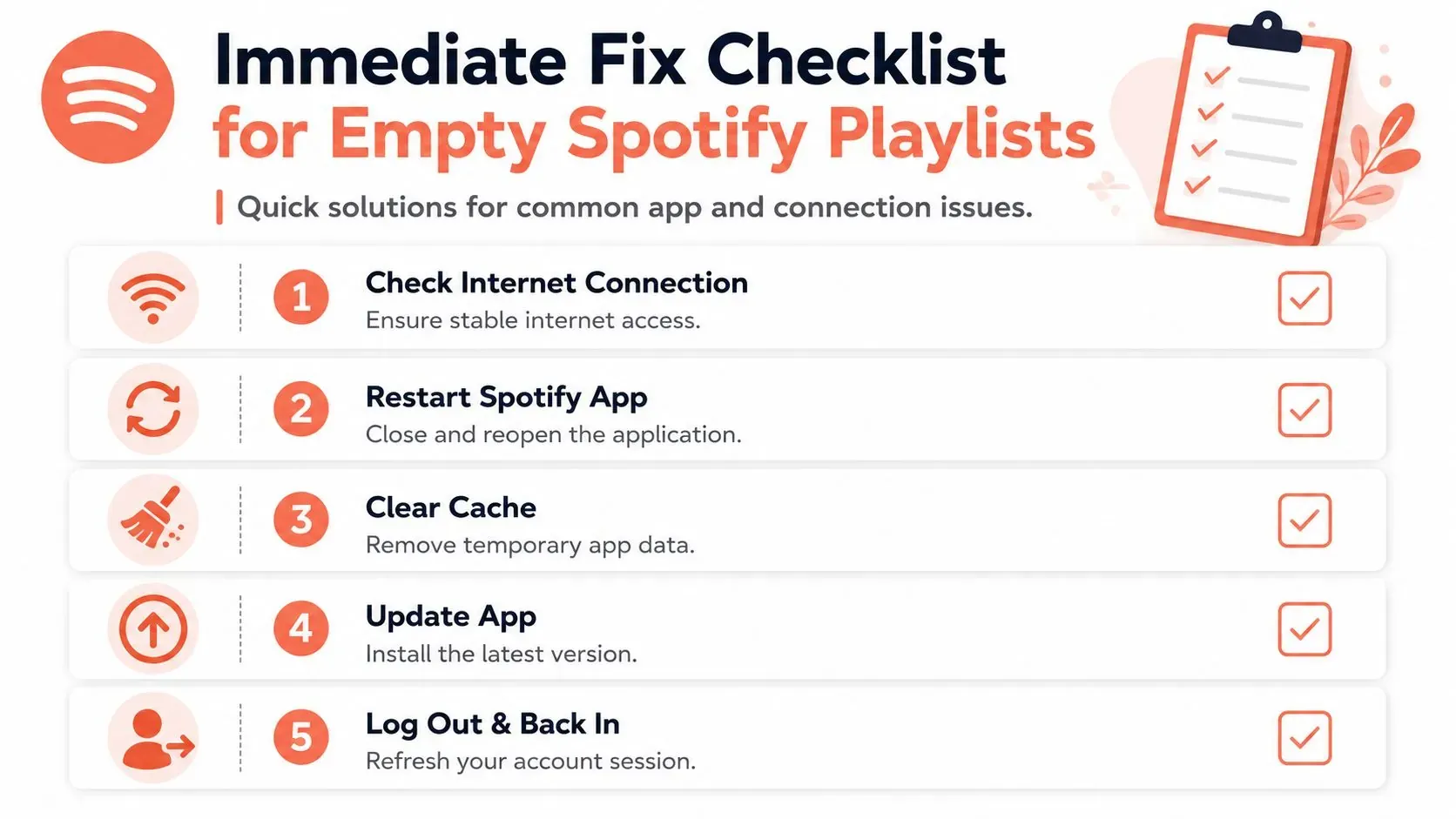
Run these in order
- Check the connection first. Spotify can load interface chrome before it loads the actual playlist contents. If the signal is unstable, the playlist frame may appear while the track list fails to populate.
- Restart the app completely. Don’t just switch tabs and come back. Close Spotify, reopen it, and reload the same playlist. This clears a lot of temporary UI failures faster than deeper resets.
- Confirm Offline Mode is off. Offline Mode can make a playlist appear empty if the tracks in that playlist aren’t downloaded on the device you’re using.
- Log out and back in. This forces a fresh account handshake with Spotify’s servers and resolves a surprising number of account-state mismatches.
- Clear the cache. Cache clearing matters because stale local data can block the app from rebuilding the playlist view correctly.
A lot of users skip straight to reinstalling the app. That’s often premature. Reinstalling takes longer, removes downloads, and doesn’t teach you whether the problem is local state or account state.
For a quick visual pass through the basics, this walkthrough is useful:

What works and what doesn’t
This is the practical trade-off.
| Action | What it helps | What it won’t solve |
|---|---|---|
| Restart app | Minor UI stalls | Account mismatch |
| Disable Offline Mode | Missing non-downloaded tracks | Corrupted install |
| Log out and back in | Session conflicts | Region licensing issues |
| Clear cache | Stale local metadata | Wrong account country setting |
Empty playlists after a fresh login usually point away from a simple cache issue and toward account or app integrity.
If you’re troubleshooting a shared playlist link, verify the URL itself before you assume the playlist is broken. A malformed or outdated share link can send you to the wrong object or a stale view. This is one of the few cases where checking the actual Spotify playlist link format and behavior saves time before you go deeper.
Address Deeper Account and App Conflicts
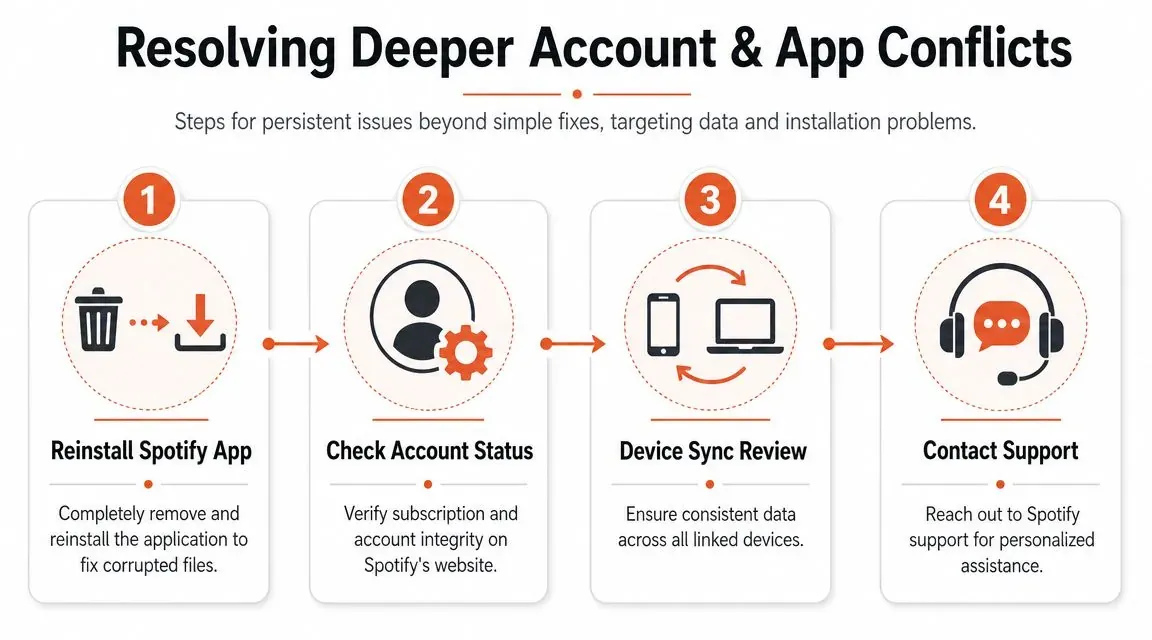
When the immediate checklist fails, stop repeating the same local fix. At that point the highest-yield causes are session integrity problems and app version drift. Outdated builds can leave the playlist UI stuck, and a full reinstall can remove corrupted local data and force a clean sync from Spotify’s servers (YouTube troubleshooting example covering outdated builds and reinstall behavior).
Verify the account before the app
The most common deeper mistake is simple. You’re logged into a different Spotify account than the one that owns or follows the playlist. That happens on family devices, work laptops, old tablets, and phones where a web login and app login don’t match.
Check these points:
- Account identity. Confirm the username and email tied to the app session.
- Plan and profile changes. If you recently changed plan or account details, wait for a clean resync after relogging.
- All-device logout. Use Spotify’s sign-out-everywhere option if the app keeps restoring a bad session.
Reinstall with intent
A reinstall is useful only when you treat it as a clean reset, not a ritual. Delete the app, install the current version from the official store, then log back in and test the playlist before restoring other habits like Offline Mode or downloads.
This sequence matters:
- Remove the current install
- Install the latest build
- Sign in with the confirmed account
- Test the empty playlist immediately
- Only then re-enable downloads or other preferences
If the playlist is visible on web but empty in the app, that strongly suggests the account data still exists and the client is the problem.
If the playlist stays empty across multiple devices after a clean reinstall and confirmed account login, you’re no longer in a simple app-state scenario. Move to content availability next. That’s where many users lose time by reinstalling over and over when the actual issue is licensing or country metadata.
Uncover Regional Blocks and Licensing Gaps
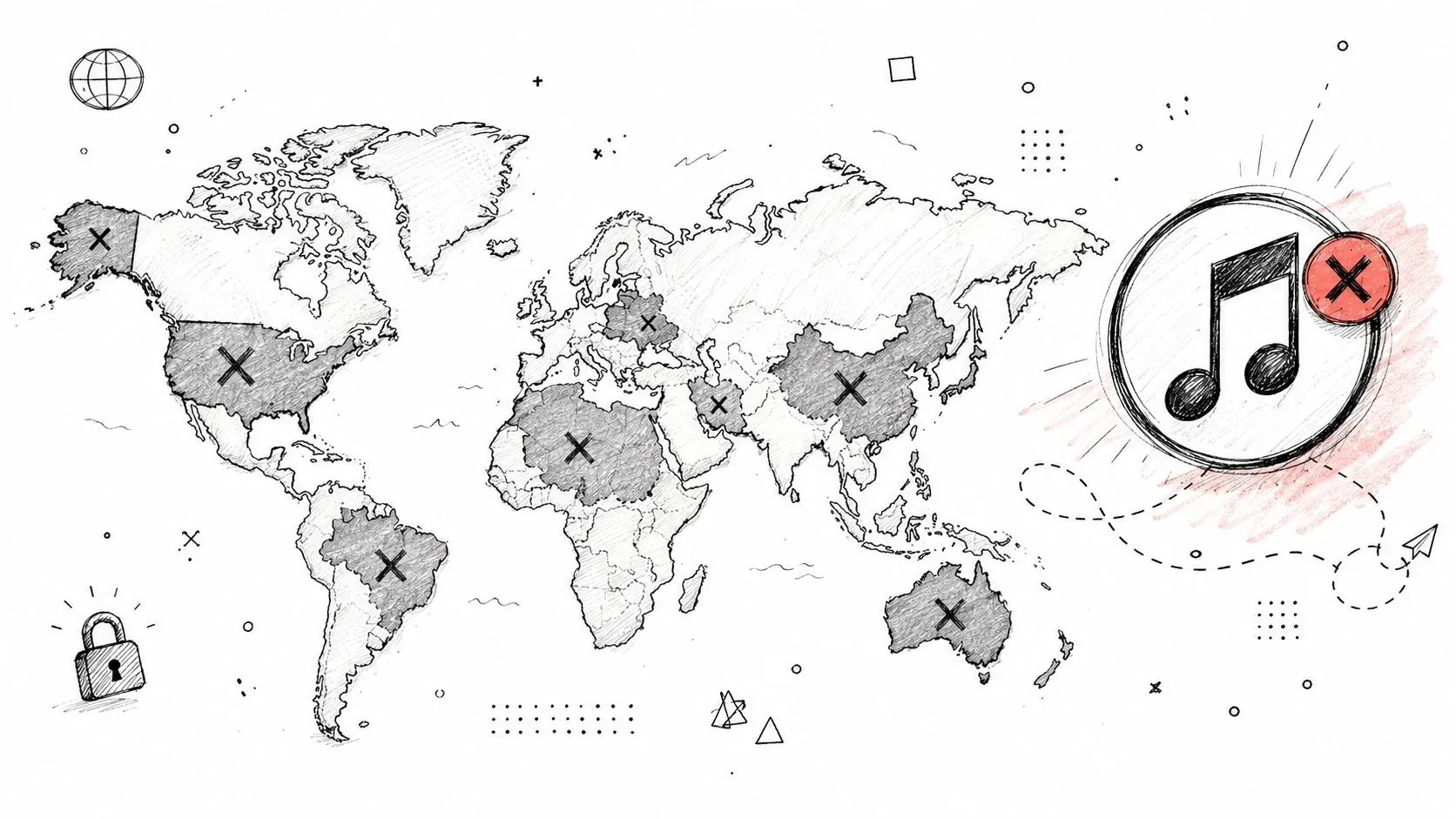
Some empty playlists aren’t bugs at all. They’re rights problems presented as interface problems. Spotify’s catalog availability varies by market, so a playlist can appear empty or partly empty for one user if the tracks aren’t licensed for that user’s current region or if a VPN changes how Spotify interprets location (TunePat’s overview of Spotify regional availability and empty playlist behavior).
The regional diagnosis most guides skip
Generic fix lists usually treat every empty playlist like a cache issue. That’s too shallow. If one playlist looks normal to the curator but blank to you, the faster hypothesis is market mismatch, not app corruption.
Check the following:
- Current country setting on the Spotify account
- Recent travel that may have changed how the account is treated
- VPN or network routing that places you in another region
- Whether the playlist contains tracks popular in another market but not licensed in yours
A useful test is to build a new private playlist with tracks that are clearly available in your current market. If that new playlist loads normally while the original one stays empty, the issue is probably content availability, not local client failure.
Why this matters for artists and curators
Artists often misread regional gaps as playlist removal. Curators misread them as broken links. Both are expensive mistakes because they distort campaign reporting.
If you’re managing cross-border campaigns, music distribution, or sync-heavy releases, rights and market availability deserve their own workflow. The mechanics behind that are closer to catalog and territory logic than app troubleshooting, which is why music sync and licensing basics are relevant here even if the symptom first appears as a blank playlist.
A playlist can be structurally healthy and still look empty to the wrong account in the wrong market.
Advanced Diagnostics for Artists and Curators
For a listener, an empty playlist is a nuisance. For an artist or curator, it can change how you interpret a campaign. If your track seems to disappear from a public playlist, you need to separate three possibilities: the app failed to display it, the curator removed it, or the playlist itself has integrity problems.
The four-part diagnostic funnel
This is the framework I use when a playlist looks empty and the stakes are more than personal listening.
| Layer | Question | Useful signal |
|---|---|---|
| Device | Is this only happening on one client? | Web works, app fails |
| Account | Is the session or login wrong? | Different devices show different libraries |
| Content | Are the tracks available in this market? | Curator sees tracks, listener does not |
| Integrity | Was the playlist changed or flagged? | Track history or suspicious follower behavior |
A common approach is to stop at the first layer. Professionals shouldn’t. If you’re measuring playlist performance, you need evidence that the playlist itself changed.
When analytics beat guesswork
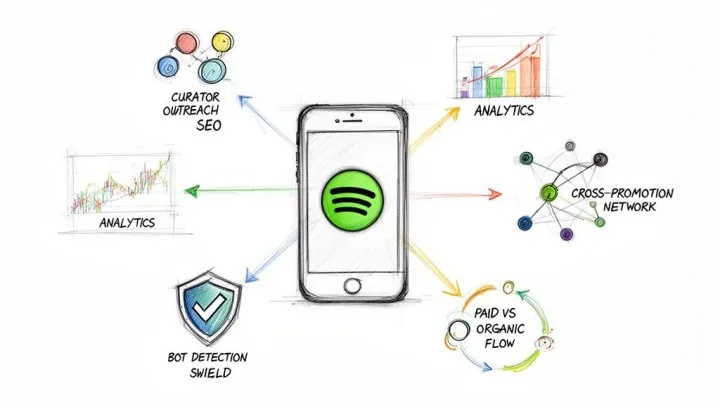
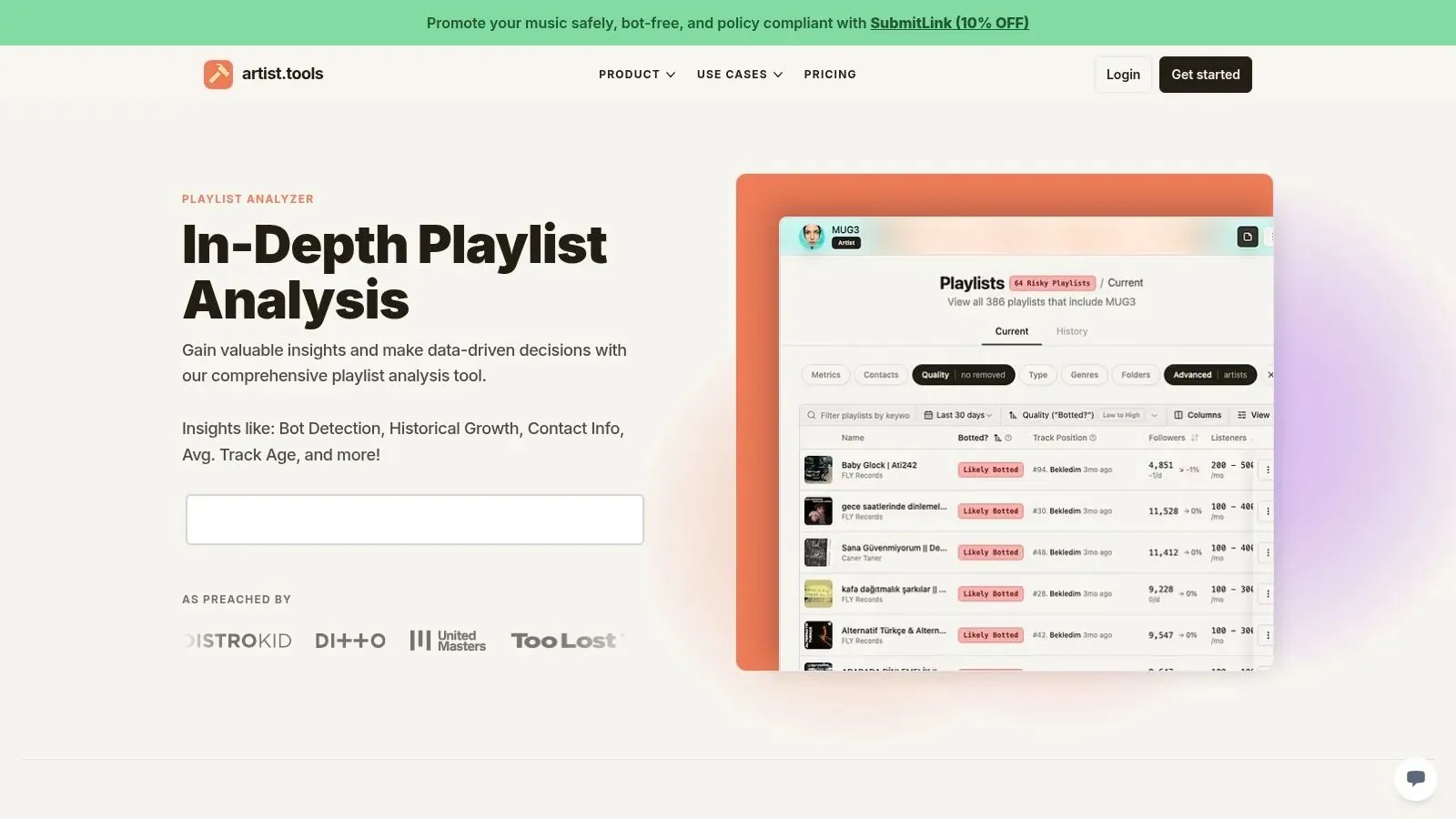
A public-playlist analysis tool offers greater utility than generic support steps. artist.tools lets you inspect a public Spotify playlist for historical track changes, follower growth patterns, search visibility, and signs of suspicious activity. For an artist trying to confirm whether a song was removed, historical adds and removes are the key feature. For a curator, follower growth and integrity signals matter more.
That changes the question from “Why is this playlist empty on my phone?” to “Did the playlist lose my track, or am I looking at a client-side display failure?” Those are different operational problems with different responses.
Use that distinction like this:
- If historical track changes show no removal, you’re likely dealing with a viewing or sync issue.
- If the track was removed, stop troubleshooting the app and reassess the playlist relationship.
- If follower behavior looks suspicious, treat the playlist as a risk surface, not a promotion asset.
- If search visibility drops with strange engagement patterns, investigate integrity before sending more traffic to it.
The mistake isn’t seeing an empty playlist. The mistake is drawing a business conclusion from a user-interface symptom.
For managers and marketers, this is the point where support advice stops being enough. You need a record of what changed, when it changed, and whether the playlist itself is trustworthy.
Protecting Your Playlists and Moving Forward
The cleanest way to handle a Spotify playlist empty issue is to treat it as a funnel, not a mystery. Start with the device, move to the account, test for regional availability, then check playlist integrity if business decisions depend on the answer.
Habits that reduce panic
A few habits make this easier the next time:
- Keep a simple export of important personal playlists in a spreadsheet or text document.
- Check web and app separately before assuming deletion.
- Avoid repeated changes during an outage if the library state looks unstable.
- Monitor important public playlists over time if your release strategy depends on them.
For artists and curators, playlists aren’t static lists. They’re operating assets. A blank screen might be harmless client drift, or it might be the first visible sign of a region issue, a curator edit, or a playlist-quality problem. The value comes from knowing which one you’re looking at before you react.
If playlist visibility affects your release strategy, artist.tools gives you a practical way to inspect public Spotify playlists, review historical track changes, and evaluate whether suspicious behavior is a sync illusion or a playlist integrity problem.