How to See Your Spotify Stats: A Quick Guide to Analyzing Your Music Data
So, you’ve released your music. That's the first step, but what comes next is what builds a career. You need to know who's listening, where they are, and what's connecting. This is where your Spotify stats come in, and they're way more than just numbers on a screen.
For artists, the main hub is the Spotify for Artists dashboard, your free command center for tracking listeners, streams, and song performance. For your own listening habits, you can always wait for the end-of-year Wrapped story or use a third-party app to see your top artists and tracks anytime.
Why Your Spotify Stats Are More Than Just Numbers
Honestly, tracking your performance is non-negotiable in today's music world. This guide is all about moving past vanity metrics and learning how to actually use your Spotify data to build a real-world growth strategy.
Turning Data Into Decisions
Understanding your analytics is how you connect with your audience on a deeper level. It's how you plan smarter tours and even refine your sound. Think of your data as a direct line of communication with your fanbase. It shows you what’s hitting home and where your music is finding an audience, often in places you'd never expect.
We’ll dig into the essentials available right inside Spotify for Artists, but we’ll also look at the deeper, competitive insights you can only get from third-party platforms. You're about to learn how to turn raw data into decisions that get your music heard by more people.
The goal isn't just to collect numbers; it's to find the story behind them. A sudden spike in listeners in a new city could be your next tour stop. A track gaining traction on user-generated playlists might be the single you need to push harder.
We'll cover a few different methods, giving you a complete playbook for making smarter, more informed choices that will genuinely shape your future as an artist.
If you're an artist looking to grow on Spotify, your first stop—and honestly, your most important one—is Spotify for Artists. It’s the free, built-in dashboard that hands you the keys to understanding how your music is actually doing out in the wild. You'll need to claim your artist profile first, but once you're in, you're no longer guessing about your performance.
The platform is surprisingly easy to navigate, cutting right to the chase with two main areas: the 'Audience' and 'Music' tabs. This is where the real story behind your stream count lives. And that story is critical. For many independent artists, 96% of their streams can come straight from Spotify, so paying attention to this data isn't just a good idea—it's essential.
Getting to Know Your Audience
Think of the 'Audience' tab as the spot where you finally get to meet your fans. It lays out exactly who is listening to your tracks, breaking it down by age, gender, and—crucially—where they are in the world.
Let's say you're an indie-pop artist and you suddenly see a spike of listeners in Berlin. That one insight can completely change your strategy. Suddenly, you can:
Run social media ads that target that specific city.
Confidently add a Berlin stop to your next tour.
Reach out to German artists for a collaboration or pitch to local music blogs.
This isn't just raw data; it's a roadmap. Knowing where your music is hitting home lets you stop throwing money at the wall and start making smart, focused decisions.
Seeing How Your Music Performs
Over in the 'Music' tab, you get to see how people are finding you. This section tracks your most popular songs by streams, saves, and playlist adds. The real gold here, though, is the Source of Streams breakdown.
Are people hearing you on their Discover Weekly? Did you land an editorial playlist? Or is some fan-made playlist driving all your traffic? Knowing the answer is everything. If you see that a playlist called "Late Night Coding Beats" is sending you thousands of streams, you've just discovered your niche.
That’s an actionable insight. You can now hunt down other playlists just like it to double down on what's working.
To really get the most out of the platform, you need to know what tools are at your disposal. Digging into these seven essential Spotify for Artists tools will give you a major leg up. Understanding these core metrics is the first real step toward turning listener data into tangible career growth.
Gaining a Competitive Edge with Advanced Analytics
Spotify for Artists gives you a solid foundation, but if you're serious about gaining a competitive edge, you need to look beyond the native tools. Specialized third-party platforms are where you can really start making strategic moves, shifting from just monitoring your numbers to actively shaping your growth.
Think of it this way: Spotify shows you what just happened. Advanced tools show you why it happened and what you can do about it next. They're essential for tracking your long-term growth, vetting playlist opportunities, and even seeing what your competition is up to.
For example, a platform like artist.tools goes way beyond a simple 28-day stream count. A Monthly Listeners Tracker gives you a true historical view of your growth. This context is everything—it's how you can accurately measure the real impact of a new single, a PR push, or a tour over months and even years.
Protecting Your Career from Bad Playlists
One of the biggest risks for any artist on Spotify is getting tangled up with a botted playlist. A sudden, fake stream spike can get you flagged by Spotify's fraud detection algorithms, which can lead to a track being pulled or—worst-case scenario—your entire profile getting banned. It’s a huge setback that can stop your career dead in its tracks.
This is why a Bot Detection feature isn't just a nice-to-have; it's non-negotiable. Before you ever pitch your music to a curator, you need to run their playlists through a tool that can spot red flags like massive, overnight follower jumps or a bizarre listener-to-follower ratio. A quick check can save you from a world of hurt.
Vetting playlists isn't just about finding good opportunities; it's about actively avoiding the ones that can do serious harm. A few minutes of research can save you from a major headache down the road.
Finding Authentic Curators and Opportunities
The right playlist placement can be a game-changer. But sifting through thousands of playlists to find the genuine ones often feels impossible. This is where advanced analytics become your secret weapon.
First, let's look at the core features you get directly within Spotify for Artists. These are your starting blocks.
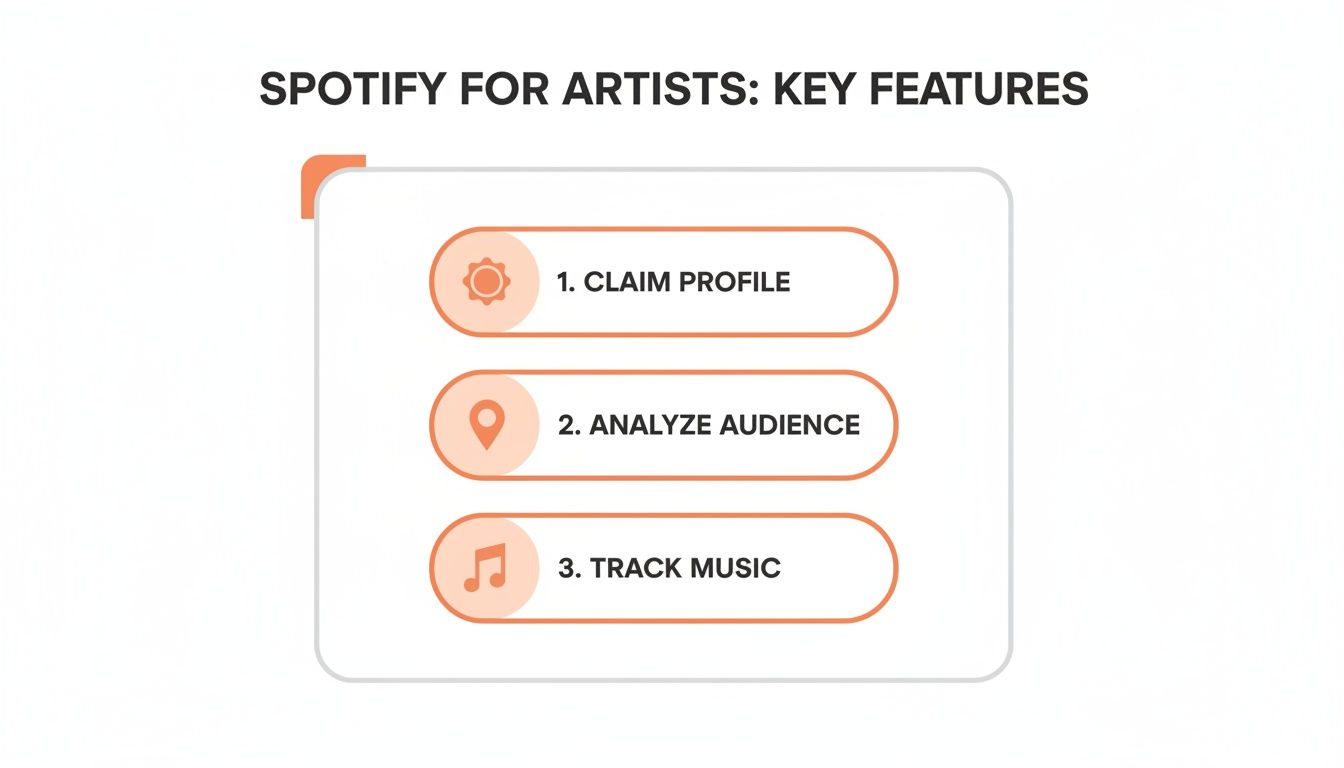
Claiming your profile, analyzing your audience, and tracking your music are all crucial first steps. But they only show you a small piece of the puzzle.
To really capitalize on listener habits, you need more detail. A Playlist Analyzer tool, for instance, can show you where a playlist actually ranks in Spotify search results and, more importantly, can detect the bot activity that plagues an estimated 15-20% of all promoted playlists. With the average user projected to stream nearly two hours of audio daily by Q3 2025, according to hitsdailydouble.com, you can't afford to waste your efforts on fake lists.
To give you a clearer picture, here’s how the native tools stack up against a more advanced platform.
Comparing Spotify for Artists vs. artist.tools
Feature | Spotify for Artists | artist.tools |
|---|---|---|
Data History | Limited to 28 days, 7 days, or since 2015 | Unlimited historical data for listeners & followers |
Bot Detection | None | Advanced, multi-point bot detection on any playlist |
Playlist Analysis | Basic playlist add notifications | In-depth analysis of any playlist on Spotify |
Curator Contacts | None | Database of verified curator contact information |
Competitor Tracking | Limited to "Fans Also Like" | Track competitor growth, playlist adds & more |
Keyword Ranking | None | See where playlists rank for specific search terms |
This table really highlights the difference between basic monitoring and deep, actionable strategy. Using the right tools empowers you to make smarter, more targeted decisions.
For a complete breakdown of how to put these concepts into action, check out our guide on Spotify data analytics for modern artists. This knowledge is what separates artists who get lucky from artists who build a sustainable career.
Using Playlist Data and SEO to Drive Discovery
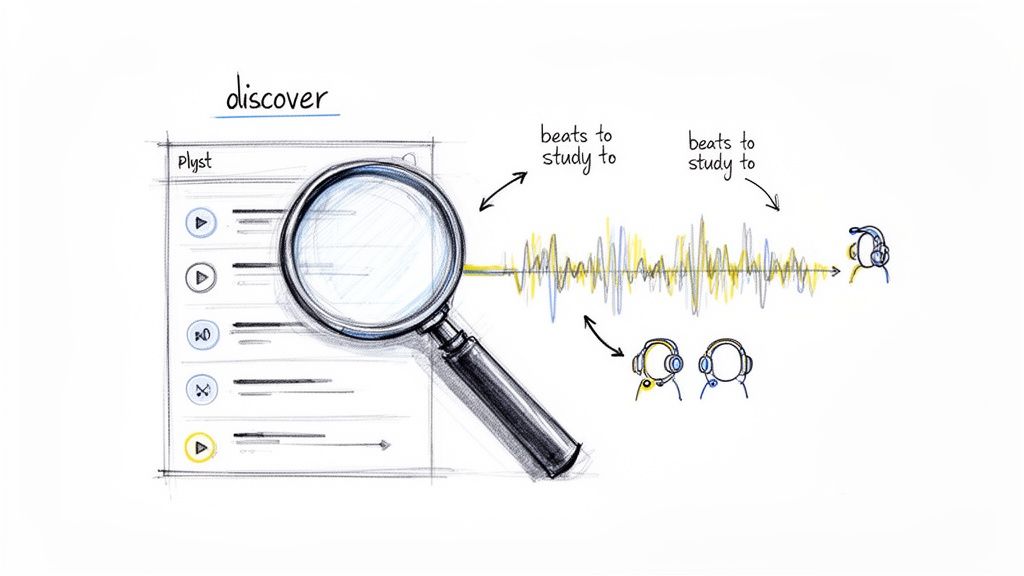
Real growth happens when you stop just watching your numbers and start using them to chase down new listeners. On Spotify today, discovery really comes down to two things: playlists and search. If you can get a handle on both, you're no longer just an artist—you're a strategist.
It all starts with finding the right playlists. Instead of just pitching into the void, a tool like the artist.tools Playlist Search helps you pinpoint playlists that actually fit your sound and have real, engaged listeners. So many artists skip this crucial analysis step, but it’s the difference between hitting a dead end and finding a genuine opportunity. You can even unlock deeper insights with Spotify playlist data to get way more specific with your targeting.
Leveraging Spotify Search for Organic Growth
Getting on playlists is great, but getting found organically in search is the long-term win. This is where Spotify SEO comes in, and honestly, it can completely change the game for how people discover your music. The idea is to figure out what your potential fans are typing into the Spotify search bar and then tweak your profile, tracks, and even your own public playlists to show up for those terms.
Think about it: a lo-fi artist could use a Keyword Explorer tool and see that a phrase like 'beats to study to' gets a ton of search traffic. By optimizing their own public playlists and track descriptions with those keywords, they can start grabbing a piece of that organic traffic. It’s a game-changer.
You're no longer just hoping someone stumbles upon your music; you're actively building a path for them to find you. This strategic approach turns search into one of your most powerful discovery engines.
Spotify’s incredible journey from its 2008 launch to a projected 751 million users by late 2025 just shows how vital a data-driven career is now. In major markets, SEO is everything. A Search Suggestions tool might show a real-time trend like 'lofi beats study,' which pulls in over 50,000 monthly searches. The crazy part? The top playlists in that search capture 70% of the traffic. This is how you stop waiting for listeners and start leading them right to your sound.
Turning Your Spotify Data into Actionable Career Moves
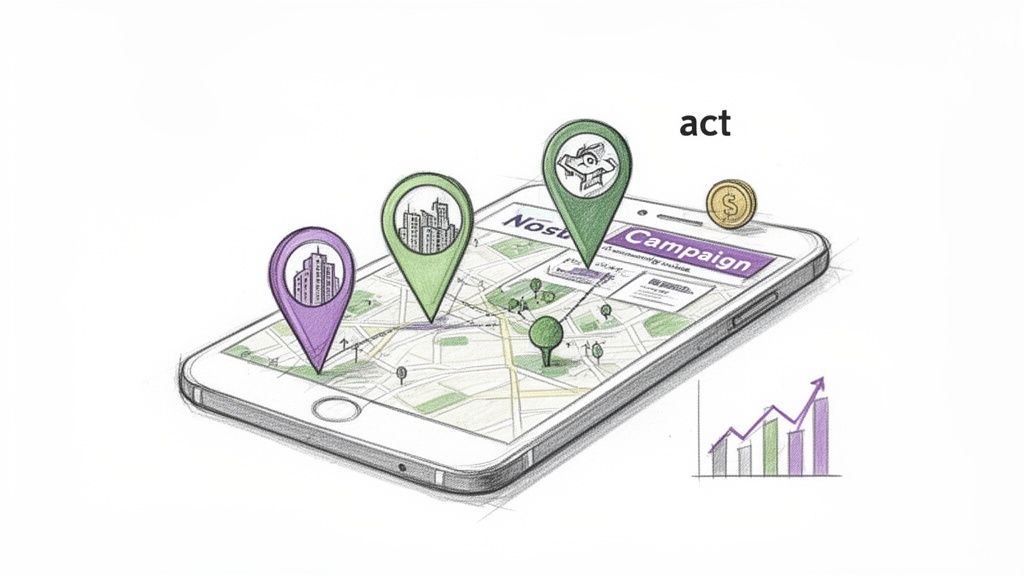
Knowing how to find your Spotify stats is one thing. Knowing what to do with them is another. The real magic happens when you stop looking at numbers and start seeing a career roadmap. Insights are just trivia until you act on them.
Imagine you're checking your analytics and see a sudden, unexpected listener spike in Brazil. Cool, right? But don't just celebrate the numbers—pounce on them. This is a bright green light to run a targeted social media campaign specifically for Brazilian listeners. You could even use Portuguese in your ad copy to connect on a deeper level. Just like that, you've turned a passive data point into active fan growth.
From Streams to Pitches
Here's another classic scenario. Your data shows one of your tracks is getting added to dozens of small, user-created playlists. This is gold. That organic momentum is exactly what Spotify's own editorial team looks for, because it proves your song is already connecting with real people.
This isn't just a "nice-to-know" fact; it's the core of your next pitch. You can leverage this specific insight when submitting your music for official playlist consideration, showing editors that your song already has a proven audience.
To make this even easier, tools like the artist.tools AI Editorial Pitch Generator can use your unique data to build compelling pitches that actually get noticed.
Connecting Data to Your Bottom Line
Finally, let's talk money. You have to connect your streams to your finances. Using a Spotify Royalties Calculator is the simplest way to translate stream counts into estimated revenue. This helps you set realistic financial goals and measure the true impact of your marketing spend.
It's not just a hunch, either. Independent artists who actively track their listener and stream counts report up to 40% better engagement retention because they can spot trends early and react quickly. For example, we know that getting editorial playlist placements can boost monthly listeners by an average of 150% within 30 days—a massive metric for growth. You can discover more insights about Spotify performance stats on ourownbrand.co.
Got Questions About Your Spotify Stats? We’ve Got Answers.
When you start digging into your Spotify stats, a few common questions always seem to pop up. Let's clear the air so you can get back to using that data to make smart moves.
How Often Does Spotify for Artists Update Stats?
Generally, Spotify for Artists updates its main numbers—like your streams and listeners—about once every 24 hours. You can usually see yesterday's data roll in around 3 PM EST.
The catch? This daily update doesn't give you the full historical picture or immediate, real-time feedback. If you want to actually track your day-over-day growth and see trends develop, a third-party tool is a must. They capture and store that data so you can compare performance over the long haul.
Can I See Another Artist's Spotify Stats?
You can't sneak a peek into another artist's private Spotify for Artists dashboard. That’s their confidential data, meant for them and their team only.
But you can absolutely track their public-facing performance with the right tools. Platforms like artist.tools let you monitor key metrics like their historical monthly listeners, follower trends, and playlist adds. This is a game-changer for sizing up the competition and setting goals that are ambitious but still grounded in reality.
Don't just guess what your peers are up to. Use their public data to map out their growth. It's one of the smartest ways to benchmark your own progress and spot opportunities they might be overlooking.
What Should I Do If I Suspect Bots?
Seeing a massive, unnatural spike in streams from a single source without any new followers or saves to match? That’s a classic red flag for bots.
The very first thing you should do is use a Bot Detection feature to scan the playlists your track is on. If you find a botted list, reach out to the curator immediately and ask to be removed. It’s crucial for protecting your account’s standing with Spotify.
Ready to stop just watching your numbers and start using them to drive real growth? artist.tools delivers the advanced analytics, bot protection, and competitive insights you need to build your career on Spotify. Check out the full suite of features at https://artist.tools and take control of your music's future.
.png)
.png)
Comments