
Search ISRC Codes: The Definitive Guide for Artists
Need to search ISRC codes? This definitive guide shows artists how to find any ISRC using databases, distributor portals, APIs, and troubleshooting tips.
Streaming now drives most recorded music revenue, and track-level metadata decides who gets paid. In a market this large, an ISRC search is an operating task tied to royalty matching, catalog hygiene, and release execution, not admin work.
For artists, managers, and labels, the real job is finding the right code fast and confirming it against the right source. That means more than checking a distributor dashboard. You may need to verify your own releases, identify a competitor’s recording, trace a reused upload, or confirm whether two versions of a track are carrying different codes. A practical guide to what an ISRC code is and how it affects royalties helps frame that decision-making.
The fastest workflows combine official registries with third-party search tools built for daily use. Official databases matter when authority is the priority. Tools such as ISRC Finder overview help when speed, cross-platform checking, and broad catalog discovery matter more. The point is not definition. The point is getting to the correct recording before bad metadata turns into delayed royalties, duplicate assets, or reporting errors.
What an ISRC Is and Why It Controls Your Royalties
An ISRC is the unique identifier for a specific sound recording or music video. One recording gets one code. That code stays with the recording across DSPs, distributors, royalty systems, and catalog exports, which is why a metadata mistake here tends to spread fast and take time to clean up.
The structure is fixed: CC-XXX-YY-NNNNN. In practice, that format helps with diagnosis. It tells you which country code was used, which registrant assigned the code, the assignment year, and the unique designation for that recording within that registrant’s range.
The financial point is straightforward. Royalty systems match usage to recordings through metadata, and the ISRC is one of the primary recording-level identifiers in that process. If the code is missing, duplicated, or attached to the wrong audio file, revenue can be delayed, misrouted, or split across duplicate assets. For managers and labels, that creates extra support tickets, slower reconciliations, and weaker catalog control.
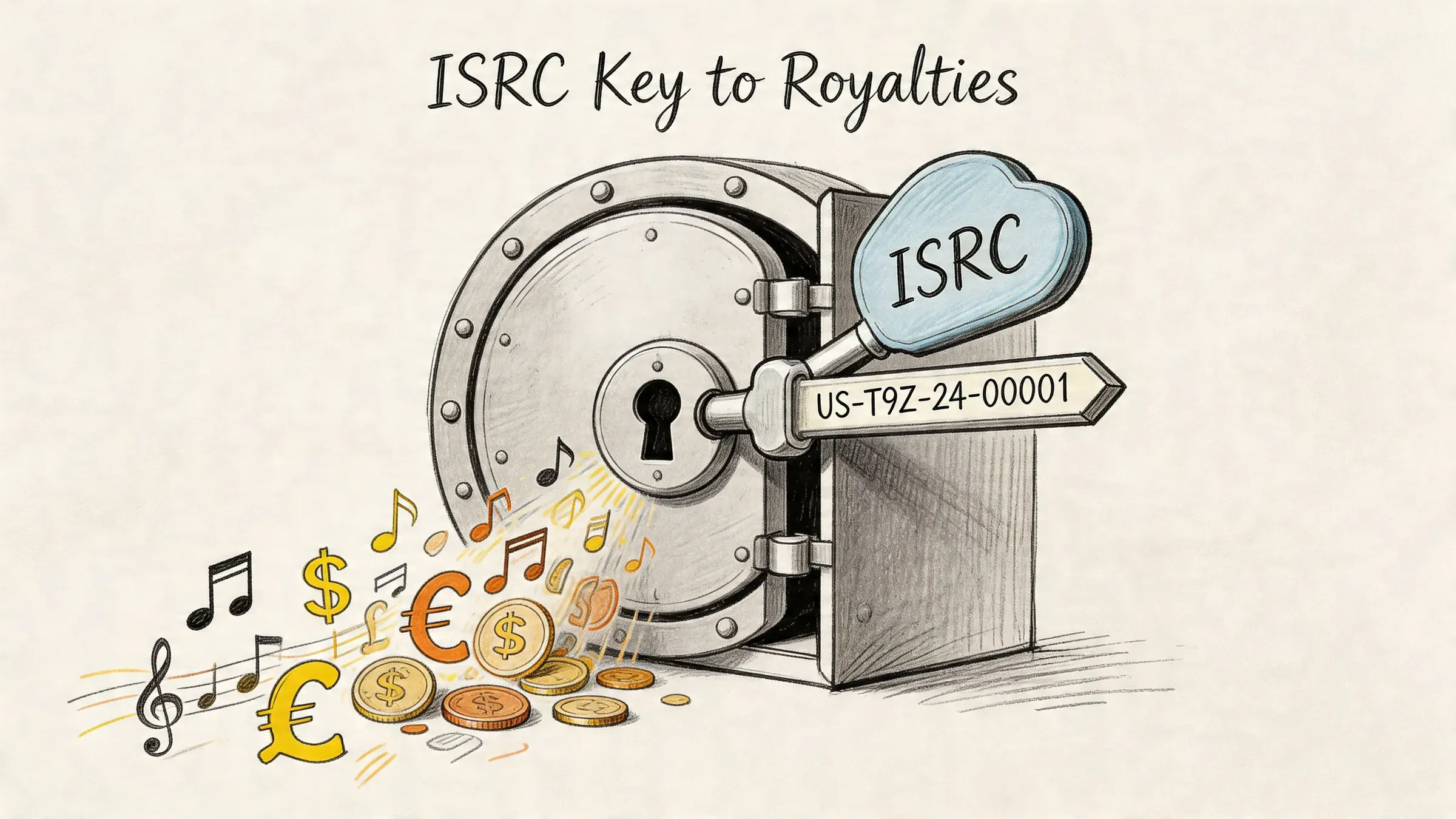
The code is a revenue control point
Teams often treat ISRCs as back-office metadata until something breaks. The expensive cases are familiar: a re-upload gets assigned a fresh code when the original should have been retained, two versions of a track carry the same code by mistake, or a distributor migration changes metadata on delivery. Each case can distort DSP reporting and make it harder to prove which master generated the usage.
This matters beyond your own catalog. A working ISRC search process helps you identify competitor recordings, verify whether a remix or edit has its own code, and spot duplicate recordings before they create claims or reporting conflicts. Official registries are the authority layer. Third-party tools are often faster for day-to-day discovery, cross-platform checks, and investigating tracks that are live in the market but messy in the metadata.
What the structure tells you
The code format gives you a quick way to sanity-check an entry:
- Country segment: The country code used in assignment.
- Registrant segment: The label, distributor, or registrant responsible for the code block.
- Year segment: The year the code was assigned.
- Designation segment: The recording’s unique number within that annual range.
One detail trips up a lot of release teams. The year segment is the assignment year, not the commercial release year. A catalog audit will often surface older recordings released later, reactivated recordings, or backfilled metadata where those dates do not match. That mismatch alone is not proof of an error.
For a more detailed explanation of how these codes function in release operations and rights management, see artist.tools on what an ISRC code is and how it secures your music royalties.
Find Your Own ISRC Codes in Under 60 Seconds
Your own catalog should never require detective work. If you released through a distributor, your first source of truth is the distributor dashboard, not a public search tool.
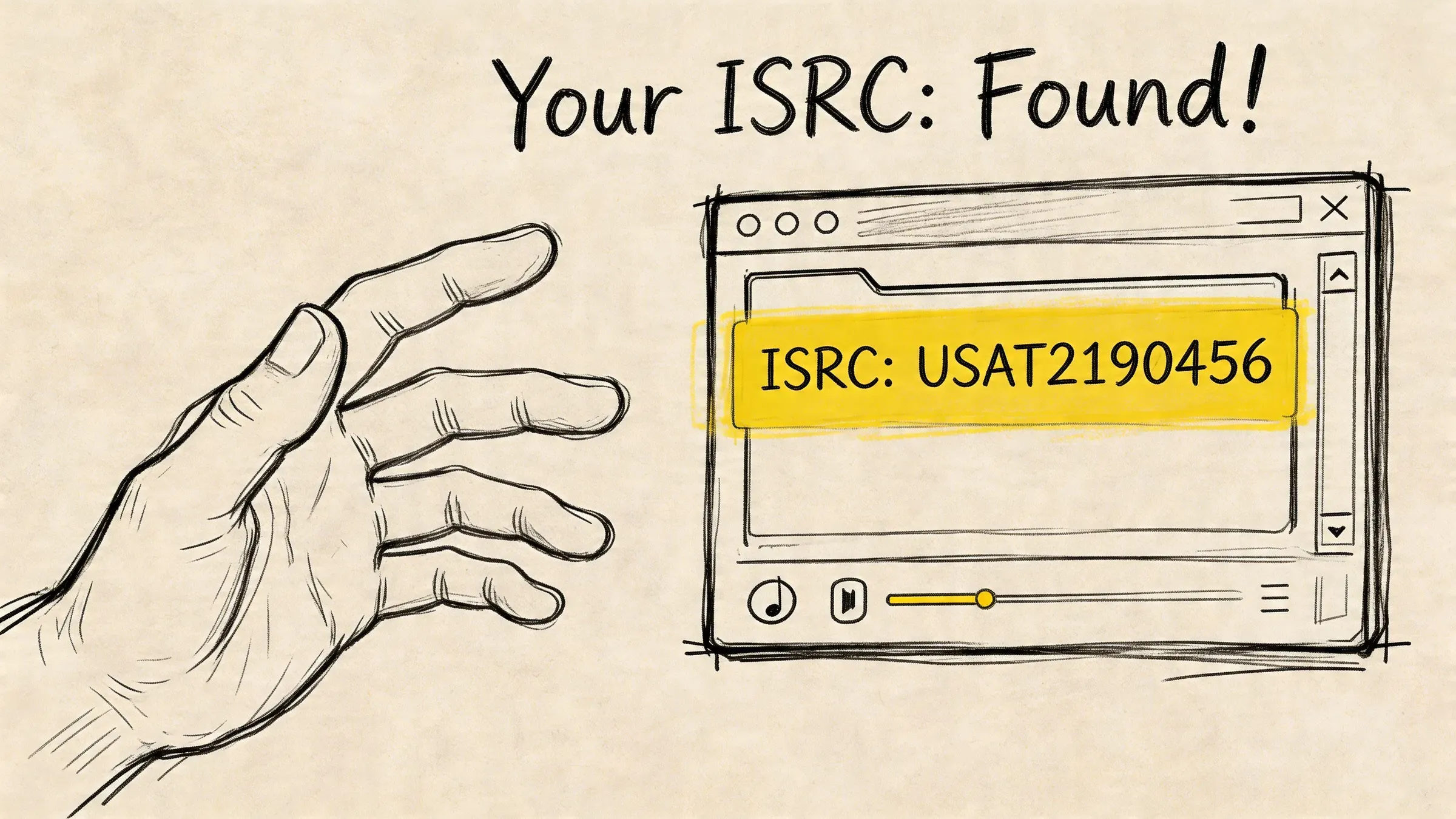
The fastest workflow is to start where the code was assigned. In most modern release pipelines, the distributor generated the ISRC during ingestion and embedded it into the release metadata. If you’re using a platform like CD Baby, the practical path is straightforward: log in, open the release, then open the track details where the recording metadata lives. If you use a label service, ask for the full track-level metadata export, not a screenshot.
Use your distributor before anything else
The cleanest approach is to build a private catalog sheet with one row per recording. Include track title, version name, release title, release date, distributor, and ISRC. That becomes the sheet you use for royalty reconciliation, SoundExchange registration, and DSP support tickets.
A workable checklist looks like this:
- Open the release record: Go to the exact release in your distributor dashboard.
- Check track-level metadata: Don’t stop at the album page. ISRCs live at the recording level.
- Export or copy immediately: Store the code in your own spreadsheet the moment you find it.
- Match versions carefully: Radio edit, remix, non-vocal version, live, and clean versions need separate tracking in your sheet.
If you’re signed or working through a label, send a direct request for a complete catalog list. Ask for every active recording and every associated ISRC. Don’t ask for “the code for my latest single.” Ask for the full export.
Ask for the spreadsheet the label uses internally. If they can only send cover art and release links, they aren’t sending the metadata that actually controls reporting.
What to do for unreleased tracks
Unreleased tracks are different. If the track hasn’t been delivered yet, the code may exist only inside the distributor intake flow or the label’s pre-release metadata file. For those recordings, check the pending release entry or ask the distributor support team whether the ISRC has already been assigned.
What’s reliable here isn’t speed. It’s provenance. For your own releases, public databases are backup verification. Your distributor or label is the primary record.
How to Search Public Databases for Any ISRC
Millions of recordings are searchable across public music databases. For managers, labels, and independent artists, that makes public lookup the fastest way to verify a track you do not control before you pitch it, clear it, or benchmark it against competing releases.
Public search is useful for four jobs: checking competitor tracks, confirming whether a playlist add uses the same master as the main release, tracing a recording across multiple versions, and spotting metadata conflicts before they turn into royalty leakage.
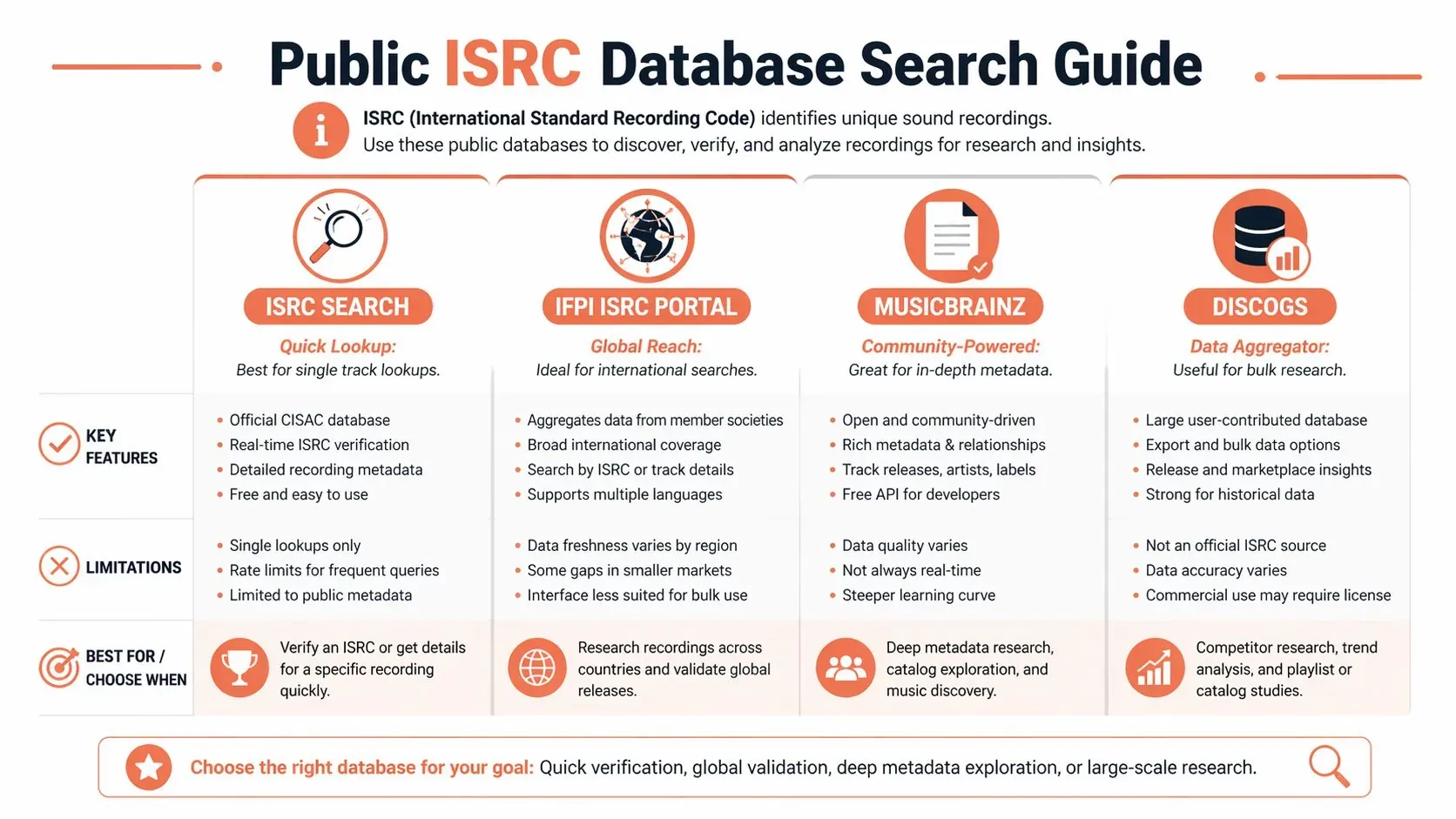
Which public source works for which job
No public database does everything well. The right workflow depends on the question you need answered.
| Database | Best use | Strength | Limitation |
|---|---|---|---|
| Spotify-based search tools | Fast track verification | Broad coverage of active streaming releases | Limited to what Spotify and the lookup tool expose |
| MusicBrainz | Research and cross-checking relationships | Useful release and recording connections | Community-maintained, so gaps happen |
| Discogs | Edition and release-history research | Strong detail on release variants | Built around releases, not ISRC-first search |
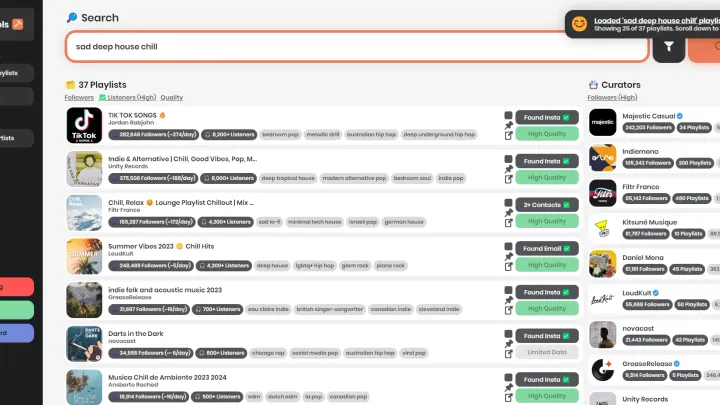
Spotify-based tools are usually the fastest starting point because they reflect what is live in the streaming market. Search the track title, artist name, and version tag. Then check whether the tool exposes the ISRC, alternate releases, and linked recordings. Platforms like artist.tools are useful here because they speed up real catalog work, especially when you need to compare multiple versions or review adjacent metadata without clicking through several apps.
MusicBrainz is the second pass. Use it when you need context, such as whether a track was reissued, retitled, or attached to a different release group. Discogs helps when the question is release history, not just recording identity.
Why duplicate ISRC results are not always a problem
Seeing one ISRC tied to several releases usually means the same recording was reused correctly. That happens with singles, deluxe editions, compilations, regional reissues, and clean or explicit release packages that still point to the same underlying master.
A significant risk is a false match. A title search can surface a radio edit, live cut, sped-up version, or remaster that looks close enough to fool a rushed team member. That is how bad metadata gets copied into pitch decks, split discussions, and royalty audits.
Use public databases to compare three fields together: artist, track duration, and release context. If those do not line up, treat the result as unverified even if the title looks right.
For a broader explanation of the metadata fields that sit around ISRC lookup, review this guide to music metadata for artists and labels.
A practical search order
Use this order when you search ISRC codes for tracks outside your own catalog:
- Start with a Spotify-based tool: Best for fast checks on currently circulating releases.
- Cross-check in MusicBrainz: Best for recording relationships, aliases, and release lineage.
- Use Discogs if the issue is edition history: Best for confirming where a recording appeared across formats and territories.
Public databases answer the speed question. They help you find what is circulating, compare versions, and catch obvious conflicts before they cost time or money.
Using Official Registries for Authoritative Lookups
Official registries matter when convenience isn’t enough. If you’re onboarding a large catalog, resolving a rights dispute, or checking a code before a formal royalty claim, use the registry layer that sits behind the public-facing tools.
The global reference point is the IFPI-managed ISRC system and the national agencies that assign registrant codes. In the United States, for example, registrants obtain their prefix through the national agency process. That registrant identity is what makes assignment traceable and structured.
When official lookup is the right move
Use official channels in these situations:
- Catalog migration: You’re moving recordings between distributors or label structures and need authoritative confirmation.
- Audit preparation: A rights organization, label accountant, or partner has found a discrepancy and wants formal support.
- Dispute resolution: Two parties are claiming control over the same recording metadata.
- Pre-assignment setup: You need a registrant code and want direct alignment with agency rules.
Official systems are slower than public search tools, but they answer a different question. Public tools help you find what appears in circulation. Official registries help you confirm what should exist.
What professionals should actually request
Don’t ask an agency vague questions like “can you find my song.” Ask for verification tied to the exact recording and registrant context. Include the track title, artist, release, code in question, and any conflicting metadata you’ve already identified.
If the issue reaches publishing and neighboring-rights reconciliation, the recording ID won’t solve everything by itself. A more complete revenue view then becomes necessary, and artist.tools has a practical primer on music publishing and the full revenue blueprint.
Advanced ISRC Retrieval for Managers and Power Users
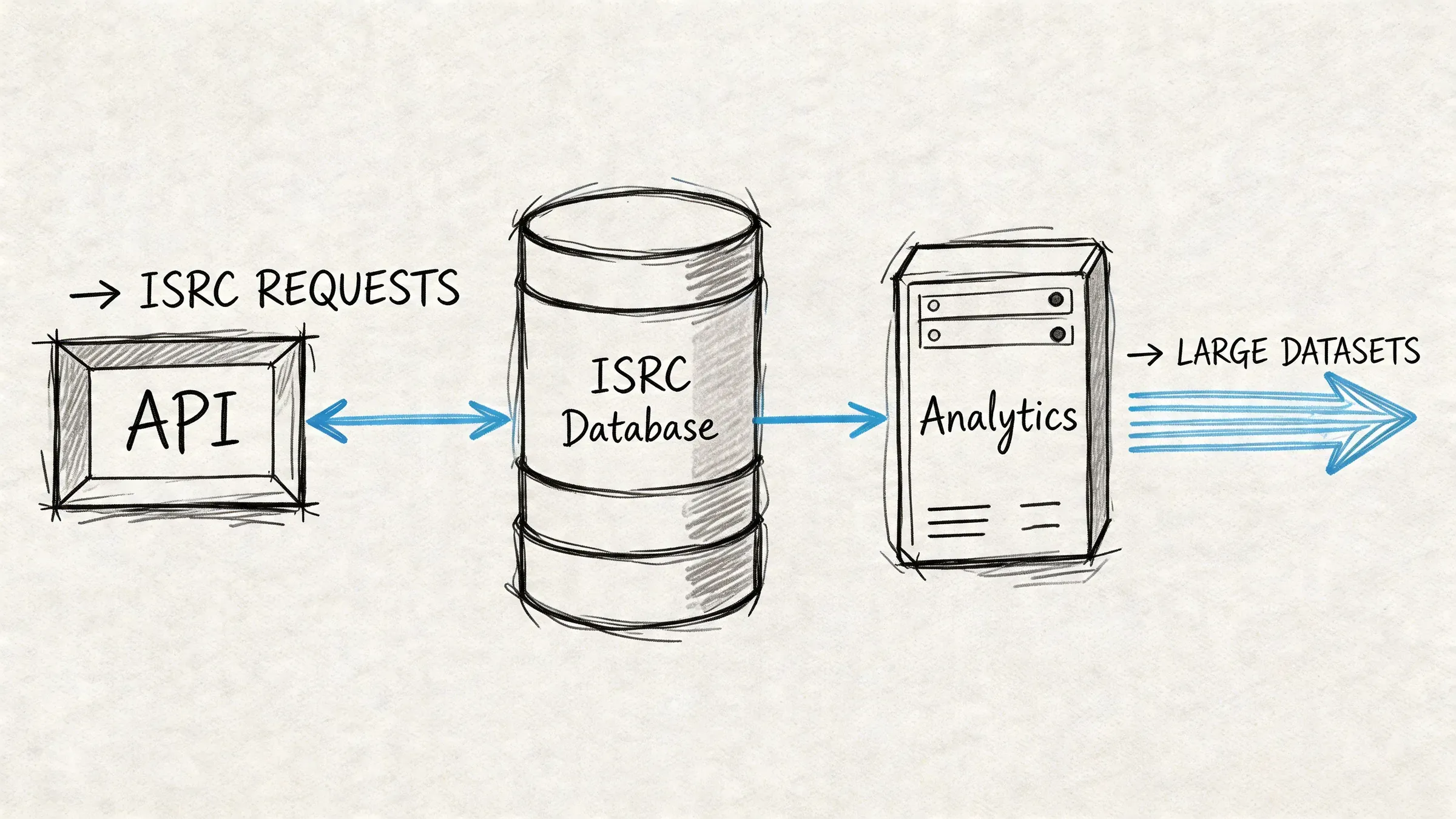
Manual lookup breaks the moment you’re handling a roster, a competitor set, or a catalog audit. At that point, the only sane workflow is API-first retrieval plus cross-platform validation.
The core method is straightforward. Query a track endpoint, extract the field, normalize the code to uppercase, then validate the structure against the standard format before you store it. That’s the difference between collecting metadata and building usable recording intelligence.
What the numbers actually say
API-driven ISRC retrieval has a 92% success rate on Spotify, which is high enough for serious workflow use but not high enough to skip validation. The same expert guidance also notes that SoundExchange mandates ISRCs for 100% royalty payouts, and metadata mismatches cause an estimated 10% to 20% in underpayments for independent artists during audits. Version control is another major failure point. Version mismatches account for 25% of errors in multi-version releases, according to CD Baby data summarized in Songtrust’s ISRC guidance (Songtrust knowledge base on ISRC workflows).
That combination changes how managers should work. Retrieval is not the job. Reconciliation is the job.
The workflow that scales
A scalable process usually looks like this:
- Pull candidate tracks from the API: Search by artist, track title, album, or market.
- Extract and normalize the ISRC: Convert lowercase to uppercase and strip punctuation if your parser needs it.
- Validate the structure: Confirm the code follows the standard pattern before storing it.
- Reconcile versions: Split remixes, edits, vocal-free versions, and live versions into separate records.
- Cross-check with distributor data: Never rely on one source when money is attached.
This is also where advanced tracking platforms become useful. Historical stream data, release clustering, and version-level monitoring only work if the underlying recording IDs are clean. That’s why any serious analytics stack ends up treating ISRC as a primary key, whether you’re monitoring your own catalog or mapping competitor releases over time.
Clean ISRC handling is what lets you track one recording across multiple release surfaces without confusing the single, the compilation, and the reissue.
Where power users get tripped up
The biggest failures aren’t technical. They’re operational.
- Same song, different recording: A live cut and a studio master may share a title but must not share the same identity.
- Same recording, many containers: A compilation appearance doesn’t create a new recording ID.
- Unreleased intake data: If the track hasn’t propagated, the distributor record is usually ahead of the DSP.
Managers who get this right don’t just search ISRC codes. They turn them into a dependable catalog map.
Troubleshooting Missing and Incorrect ISRC Codes
Most ISRC failures are operational, not technical. A code is missing from the release workflow, assigned to the wrong recording, or entered in a format that breaks matching across systems.
The expensive mistake is trying to patch metadata by hand after delivery. Once a bad ISRC reaches stores, collection societies, distributor reports, and internal spreadsheets, cleanup gets slow and revenue attribution gets messy. I treat every mismatch as a royalty risk first and a metadata problem second.
If the track appears to have no ISRC
Start at the source of truth. For unreleased tracks, that usually means the distributor, label operations system, or delivery feed. Public DSP pages often lag behind intake data, so a missing code on Spotify or Apple Music does not always mean the recording has no ISRC.
If the release is already live, verify three things in order: the code exists in the delivery record, the DSP ingested it, and the version you are checking is the same recording that was delivered. A surprising number of “missing” cases are really version mix-ups between radio edits, clean versions, accelerated versions, and later reuploads.
Third-party tools help here because they expose inconsistencies faster than manual checking. If you are auditing your own catalog or watching competitor releases, platforms like artist.tools can help surface version-level metadata gaps, duplicate-looking releases, and cases where a track is live on one surface but not cleanly mapped on another.
If you find multiple ISRCs for what seems like the same song
Do not start with the title. Start with the audio.
The same composition can have several valid recording IDs. Live cuts, remixes, remasters, sped-up versions, deluxe reissues with updated audio, and regional alternate masters often deserve separate ISRCs. The reverse problem also happens. One identical master can appear on the single, album, compilation, and reissue with the same ISRC, and that is often correct.
Use a simple triage check:
- Identical audio on multiple releases: one ISRC can be correct across all of them.
- Audible differences, even minor ones: treat them as separate recordings until proven otherwise.
- Different metadata but same waveform: check whether the release was repackaged rather than re-recorded.
- Same title, same artist, conflicting codes: pull distributor data and compare duration, release history, and version labels before disputing ownership.
The title helps you search. The audio determines the recording identity.
If the code is malformed or clearly wrong
Malformed codes usually come from manual entry, spreadsheet imports, or bad normalization between systems. Common failures include the wrong character count, stray punctuation, lowercase letters, or a year/designation segment copied from another track.
Do not “fix” the code inside a DSP profile, retail dashboard, or internal tracker and assume the problem is solved. Correct the source record with the authorized distributor or registrant, then confirm the corrected metadata was redelivered. If you only repair the display layer, reporting can stay broken underneath.
Send a short evidence pack when you escalate the issue:
- the incorrect ISRC
- the affected release URL or UPC
- the correct version description
- proof showing whether this is a duplicate assignment, formatting error, or wrong-recording issue
- screenshots or exports from the distributor, if available
That level of detail cuts resolution time because the operations team can act on it without guessing.
If duplicates are affecting reporting
This is the case that costs money fastest. Duplicate or conflicting ISRC assignments can split stream counts, break historical trendlines, and create ownership disputes across neighboring rights systems.
For catalog managers, the practical move is to build a conflict log. Track each disputed recording, every surface where the code appears, the expected owner, and the action taken with the distributor or label partner. For artist managers, I recommend checking high-value tracks first: songs with strong daily streams, active playlist placement, recent sync activity, or upcoming marketing spend. Fix the tracks that matter commercially before you clean long-tail catalog metadata.
Clean ISRC handling is not admin work. It protects reporting accuracy, royalty collection, and your ability to evaluate what is effective.