
Spotify Radio Stations Explained for Artists and Managers
Learn how Spotify radio stations work, why they matter for discovery, and how independent artists can grow reach using radio signals and artist.tools.
8
- What Spotify Radio Stations Actually Are
- How Listeners Start a Radio Station
- Inside the Ranking Pipeline That Powers Every Station
- Radio vs Playlists, Mixes, and Discover Weekly
- Tactics to Increase Radio Reach as an Artist
- Using Radio Behavior as a Discovery Signal
- How artist.tools Monitors and Optimizes Radio Performance
- A Practical Radio Growth Checklist
Bad Bunny Radio and Coldplay Radio sit at about 1.4 million likes each, while The Beatles Radio is down near 440K on the same ranking, which is a much steeper long tail than most artists expect from a feature that looks passive on the surface. That spread is the clue behind Spotify radio stations, because they aren’t small side rooms for casual listening, they’re a concentrated discovery layer built around superstar demand and catalog depth, inside a platform that reported 675 million monthly active users and 263 million premium subscribers in 2024 (Soundcharts on Spotify radio playlists, Spotify platform statistics summary).
For artists and managers, that concentration changes how you think about reach. A radio station isn’t just a place where a fan keeps listening, it’s a recommendation surface where the seed, the skip behavior, and the surrounding listener context decide whether your track gets extended into adjacent ears or disappears after the first few plays.
What Spotify Radio Stations Actually Are
Spotify radio stations are artist-seeded, song-seeded, album-seeded, or playlist-seeded listening queues that behave like an algorithmic extension of the starting point, not like an editorial playlist. The important part is their reach. A ranking of Spotify radio playlists shows Bad Bunny Radio and Coldplay Radio at about 1.4 million likes each, Taylor Swift Radio and The Weeknd Radio at about 1.2 million, Bruno Mars Radio at 1.0 million, and Drake Radio at 979K, before dropping to roughly 440K for The Beatles Radio (Soundcharts on Spotify radio playlists).
That spread is useful for strategy. Spotify radio stations are not a narrow side feature, they sit inside a listening surface that already has meaningful demand, which makes them relevant for catalog artists, active releases, and teams trying to turn one engaged listen into several more. Spotify’s reported scale in 2024, with €15.7 billion in annual revenue, 675 million monthly active users, and 263 million premium subscribers, means station behavior carries commercial weight as well as interface weight (Spotify platform statistics summary).
A radio station is a queue, not a destination
Spotify’s own help documentation says Radio can be started from any song, album, or artist on desktop, mobile, or web by opening the three-dot menu and choosing Go to Artist/Song radio, and that the resulting playlist is roughly 50 tracks long. If Autoplay is enabled, the mix continues after the playlist ends (Spotify Radio help).
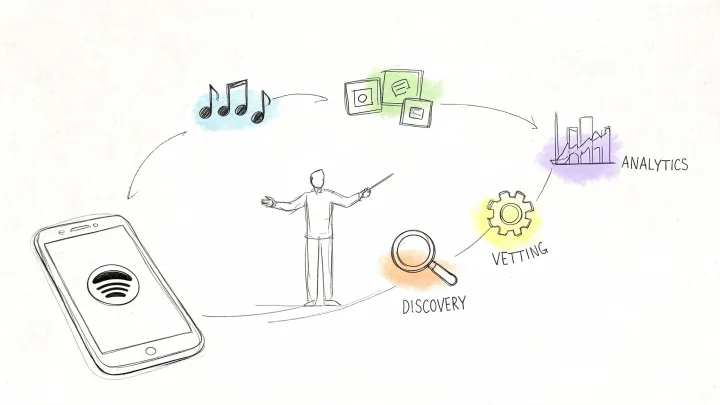
That makes the station a seeded recommendation queue. The listener picks a seed, Spotify expands it into adjacent tracks, and the system keeps testing fit as the session moves on.
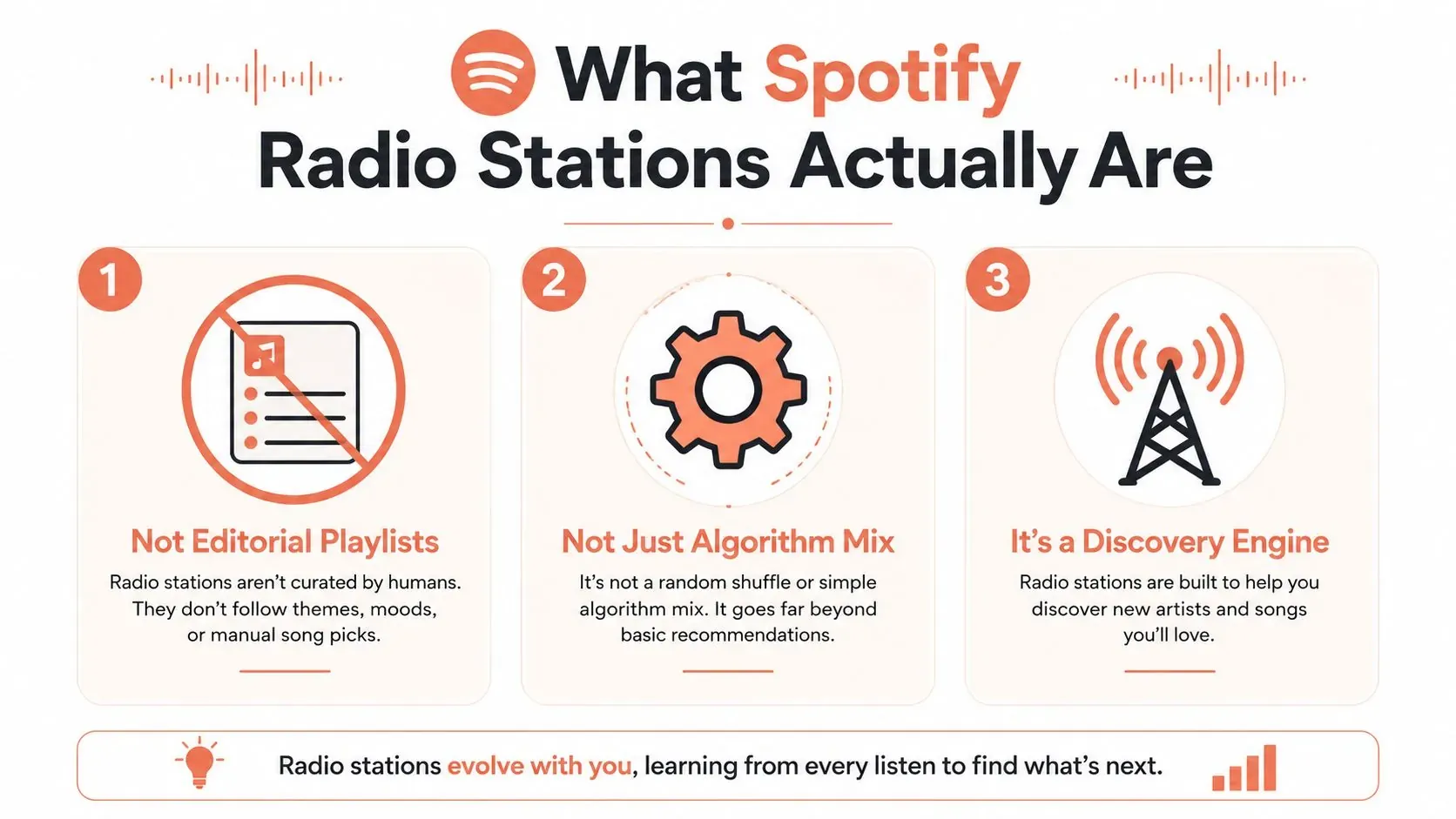
For artists, that distinction matters because the seed controls where the recommendation path begins. A song-seeded station rewards track-level momentum. An artist-seeded station rewards brand cohesion and catalog breadth, so it is the better surface when several releases can support each other. A playlist seed behaves differently again, because the starting context already carries a mood or use case. If you want a closer look at that behavior from a catalog perspective, see how Spotify Radio behaves from a playlist seed.
How Listeners Start a Radio Station
The entry point defines the audience intent. A fan starting radio from a song is telling Spotify that one recording matters enough to become the seed. A fan starting from an artist is signaling broader taste alignment, which gives catalog depth more room to work. A fan starting from a playlist is usually handing the platform an already-defined mood or use case, which makes adjacent track selection more contextual than purely artist-led.
The mechanics are simple, and that is why they matter. Listeners open the three-dot menu, choose radio, and Spotify returns a station built from the chosen seed. Independent coverage notes that Radio is available to both free and premium listeners and can be started from an artist, song, playlist, or album, which keeps it usable as a top-of-funnel surface for independent artists (CNET on Spotify Radio). For a closer look at the playlist path, see how Spotify radio behaves from a playlist seed.
The seed tells you where the marketing advantage lives
A song-seeded station rewards track-level momentum. That is the useful option when one single is clearly outperforming the rest of the catalog. An artist-seeded station rewards brand cohesion and catalog breadth, so it favors teams that can keep several releases in the same listening orbit.
A playlist-seeded station is different again. It tells you that the listener wants a mood, not necessarily a discography, which is why playlist placement and radio entry can overlap without behaving the same way. The practical shortcut is to treat the starting item as a signal about what kind of demand already exists, then build around that signal instead of treating all stations as interchangeable.
For teams that want a more detailed walk-through of the playlist-to-radio handoff, the article on Spotify radio from playlist is a useful companion.
A station started from a song is a test of that song. A station started from an artist is a test of the catalog behind it.
Inside the Ranking Pipeline That Powers Every Station
Spotify radio stations run like a recommendation pipeline, not like a static list. The playback system separates metadata resolution from audio delivery, then serves audio from pre-encoded object storage through a CDN with signed URLs and chunked playback, which keeps delivery fast while the recommendation logic keeps working in the background (System Design Academy on Spotify design).
The important part for artists is where ranking happens. Spotify’s architecture descriptions show that user activity is ingested into streaming pipelines and then blended with precomputed recommendation outputs so the system can update behavior without rebuilding the entire catalog path on every play (InfoQ on Spotify architecture evolution). That means a station is always being scored against live signals, not frozen at launch.
Engagement changes the queue in real time
A skip, a save, a long listen, and a seek all send different signals into the pipeline. The station can respond by re-ranking candidates, widening the adjacency around tracks that hold attention, or backing away from tracks that trigger fast exits. The practical takeaway is blunt. Retention inside the first minute matters, because the station is learning whether your track belongs in the next round of candidates.
That’s why catalog positioning matters more than raw catalog size. A deep catalog doesn’t help if the first track in the station is weak at holding attention. A lean catalog can still win if the seed track produces strong, consistent engagement and the adjacent tracks match the listener’s actual behavior.
The clearest way to think about this is as a live scoring loop. Spotify is not asking whether your track exists, it’s asking whether it deserves to be extended.
For teams building around that loop, the internal breakdown in Spotify recommendation system is a useful reference point.

Radio vs Playlists, Mixes, and Discover Weekly
Spotify Radio does a different job from editorial playlists and algorithmic mixes, so treating them as substitutes is where strategy breaks down. Editorial playlists reward pitch timing and placement access. Discover Weekly and similar mixes reward past listening history and adjacency across a user’s broader behavior. Radio rewards engagement density around a specific seed and the ability of that seed to extend into similar listeners.
The key difference is who initiates the surface. An editorial playlist is seeded by humans or editorial systems. Discover Weekly is seeded by a user’s historical patterns. Radio is seeded by the listener’s immediate choice, which makes it unusually sensitive to what the fan just proved they want.
| Surface | Seed | Listener Intent | What It Rewards |
|---|---|---|---|
| Editorial playlist | Editor or platform curation | Browsing, genre sampling, release discovery | Pitch quality, timing, fit, and programming logic |
| Discover Weekly and similar mixes | Listener history | Passive personalized discovery | Prior behavior, adjacency, and repeat engagement |
| Radio station | Song, artist, album, or playlist | Immediate continuation of a specific taste signal | Engagement density, skip resistance, and extension into similar listeners |
That distinction changes where to spend effort. Playlist pitching can get you a high-visibility slot. Radio asks whether the track can hold enough attention to keep traveling through adjacent listener behavior. The article on playlist radio on Spotify is useful if you want to separate the two tactics cleanly.
Tactics to Increase Radio Reach as an Artist
Radio reach starts before release day. The system needs enough engagement context to know where your track belongs, so the early job is not just to get plays, it’s to get the right kind of plays. Saves, repeat listens, and playlist adds create stronger context than quick curiosity traffic, because those signals suggest the listener wants the track to stay in rotation.
Build the strongest seed track before launch
The best radio candidates are usually the tracks that already produce the cleanest listener behavior. That might be the obvious single, but it can also be the deep cut with the most saves, the fastest replays, or the strongest response from a very specific audience pocket. If you’re planning catalog promotion, rank your tracks by which ones already behave like a seed, not by which ones you personally like most.
Release week is where the model gets tested hardest. Push repeat listens on the flagship track, because a station that learns the track holds attention is more likely to extend it into adjacent listeners. If skips spike early, that doesn’t just hurt the track in one session, it can reduce how confidently the system keeps using it as a seed.
Use the catalog as a ladder, not a library
Older catalog can come back through adjacency when a current track starts performing well in radio contexts. That’s why sequencing matters. A listener who reaches your station through one current single may be willing to move backward through the catalog if the production, mood, and artist identity stay coherent. If the catalog is stylistically scattered, the station loses momentum faster.
The diagnostic is simple. If your playlist-driven streams are rising but radio-driven streams stay flat, the bottleneck is usually engagement density, not exposure. You already have reach. The problem is that the station doesn’t yet have enough proof that listeners want the next track.
Using Radio Behavior as a Discovery Signal
Radio behavior is a better early warning system than a monthly listener count because it shows what Spotify is willing to connect next. A station that keeps surfacing your sound next to particular artists or micro-scenes is giving you a live map of adjacent demand, and that map is often more useful than a lagging topline metric.
Spotify’s own research on discovery systems defines underserved content as older items with comparatively few listeners or episodes, which is a useful reminder that sparse engagement can materially affect reach (Spotify Research on underserved content). That framing matters for artists, because it suggests the platform’s recommendation logic is sensitive to whether a track has enough listening context to travel.
Watch adjacency, not just volume
The value lies in the neighbors. If your tracks start appearing beside a specific micro-genre, mood, or adjacent artist cluster, that’s a signal to pay attention before the wider market notices. It can shape your next single choice, your metadata cleanup, your playlist targets, and even the way you describe the record in pitches.
A niche artist doesn’t need huge volume for this to matter. A small but consistent pattern in radio adjacency can tell you that the audience is already assembling, just not yet in the usual playlist reporting layer. That’s why teams should monitor which names, sounds, and moods keep showing up around the station seed, especially across different markets.
Radio is not only a place to land. It’s also a place to read demand before it shows up everywhere else.
The article on best Spotify niches makes a similar strategic point, watching real recommendation behavior is more valuable than staring at raw playlist counts. I agree with that framing, because radio often exposes intent before the broader surface does.
How artist.tools Monitors and Optimizes Radio Performance
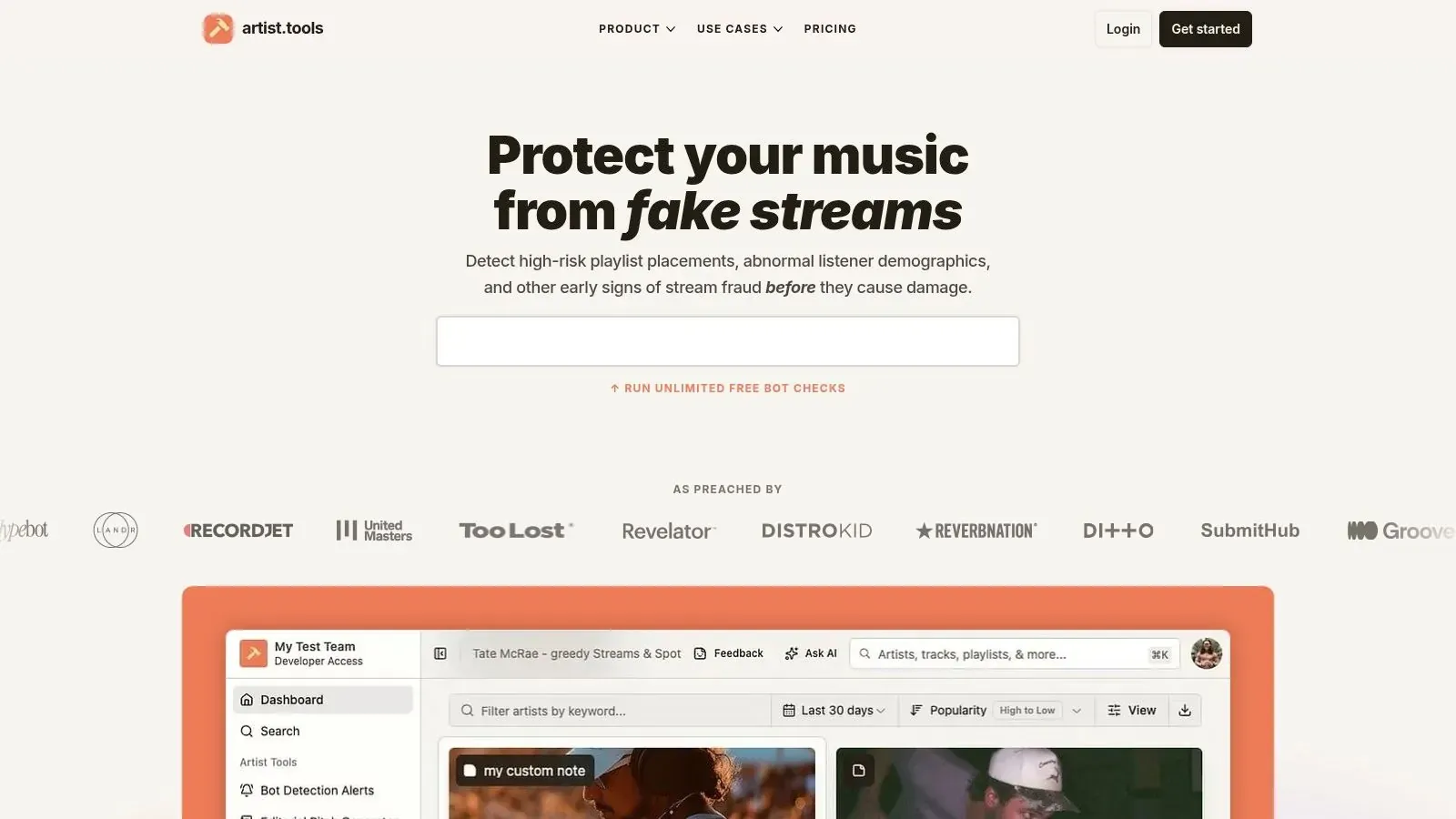
artist.tools works as a measurement layer over the same kinds of signals that matter for radio placement. The Playlist Analyzer can inspect playlist integrity, follower growth, bot activity, track changes, and curator contact details, while Playlist Search helps you find relevant playlists and supporting curators around your sound. Those two tools matter because radio behavior often sits near playlist behavior, and you need to know whether the surrounding ecosystem is real or inflated.
The platform’s Stream Tracker and Monthly Listeners Tracker help you compare engagement density over time, which is the metric family that tells you whether a track has the behavior required for station extension. The Spotify SEO Research tools, including Playlist Search Rankings, Keyword Search, and Autocomplete, show the search intent listeners are using, which helps explain why certain tracks and playlists keep feeding into the same discovery paths.
Map each tool to a radio question
Playlist Analyzer answers whether the adjacent playlists around your sound are trustworthy. Stream Tracker answers whether a single track is sustaining attention long enough to become a seed. Monthly Listeners Tracker shows whether audience momentum is broadening or stalling. Keyword Search and Autocomplete show which search terms may feed the discovery layer around your release. AI Editorial Pitch Generator helps shape release positioning when you’re trying to reach the editorial side of the same ecosystem.
That workflow is enough for most artist teams to stop guessing. One product, artist.tools, makes the diagnostic part more concrete by showing whether the surrounding listening environment supports radio growth.
A Practical Radio Growth Checklist
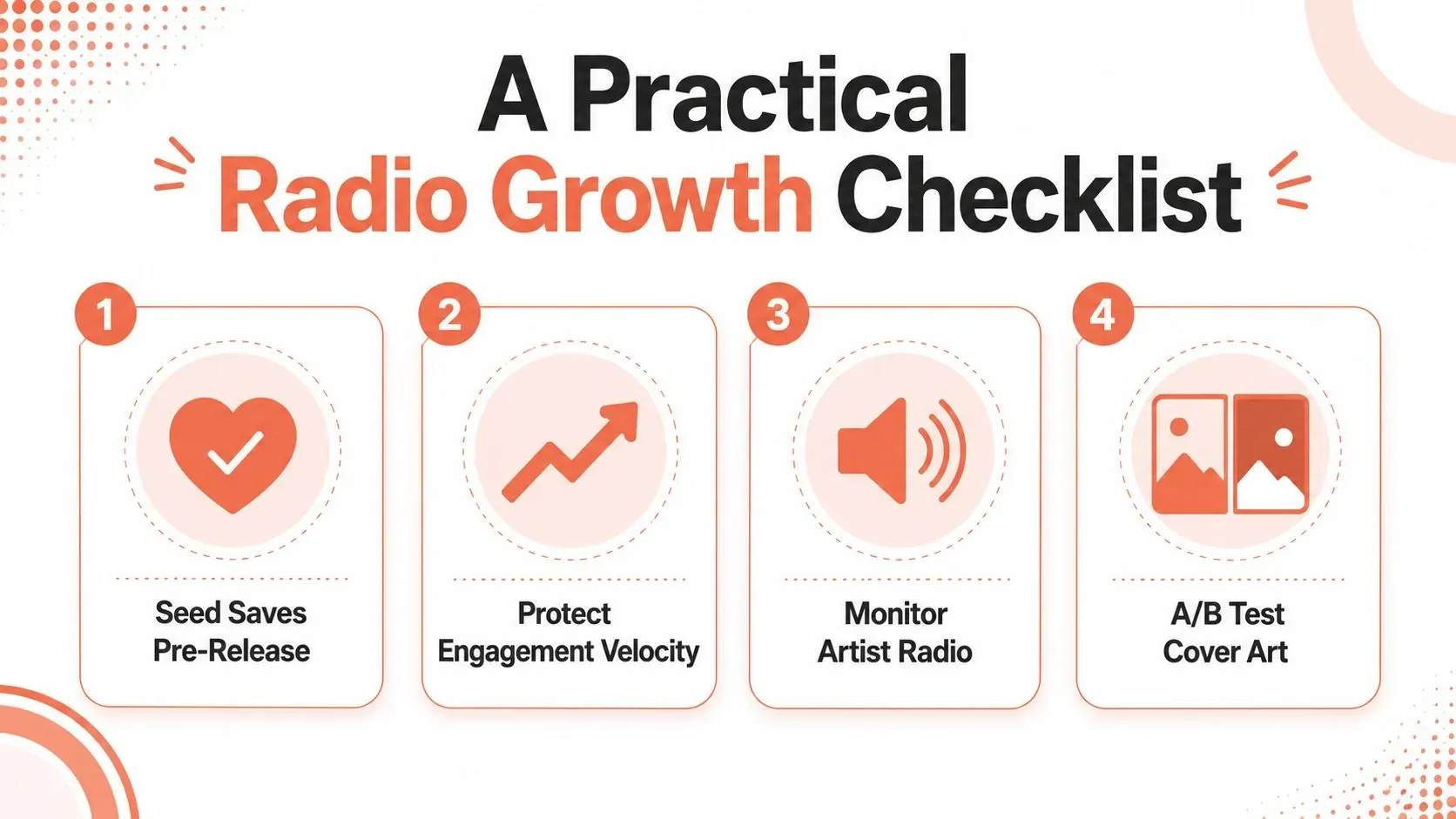
The cleanest radio strategy is the one that respects how the system ranks music. Seed the strongest track you have, protect its early engagement quality, and keep checking whether the station is extending into the right adjacent listeners instead of just producing empty reach.
What to track every release
- Seed saves before launch: Build listener context early so the model has stronger signals than a one-time click.
- Protect engagement velocity: Watch for skip spikes in week one, because they weaken the station’s confidence in the seed.
- Monitor artist radio adjacency: Track which artists, moods, and micro-genres keep appearing around your sound.
- Test the packaging: If one cover or title variant is pulling more consistent attention, keep the version that improves retention.
The open questions are still real. AI-driven exploration and niche mix behavior will keep changing how listeners reach a station, and teams will need to watch whether radio signals become easier to tie back to keywords, search patterns, or curator-fed discovery paths. That uncertainty is exactly why radio belongs in a serious analytics workflow, not in a background-growth bucket.
artist.tools gives you the playlist, stream, keyword, and radio-adjacent data needed to see whether a release is building the kind of engagement Spotify Radio listens for. If you’re planning a campaign and want a clearer read on the stations, search paths, and adjacent playlists around your sound, visit artist.tools and use the platform to measure what’s moving.